


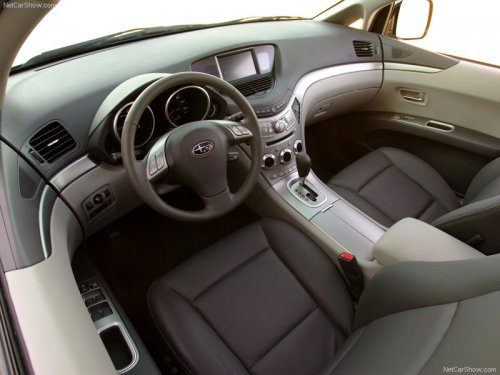
Subaru Tribeca
Subaru Tribeca
See also:
LOCK
The key can only be inserted or removed in this position. The ignition switch
will lock the steering wheel when you remove the key.
If turning the key is difficult, turn the steering wheel slightly ...
Safety warnings
You will find a number of WARNINGs, CAUTIONs and NOTEs in this manual. These
safety warnings alert you to potential hazards that could result in injury to you
or others.
Please read these safety ...
Recommended brake fluid
CAUTION
Never use different brands of brake fluid together. Also, avoid mixing DOT 3
and DOT 4 brake fluids even if they are the same brand. ...